
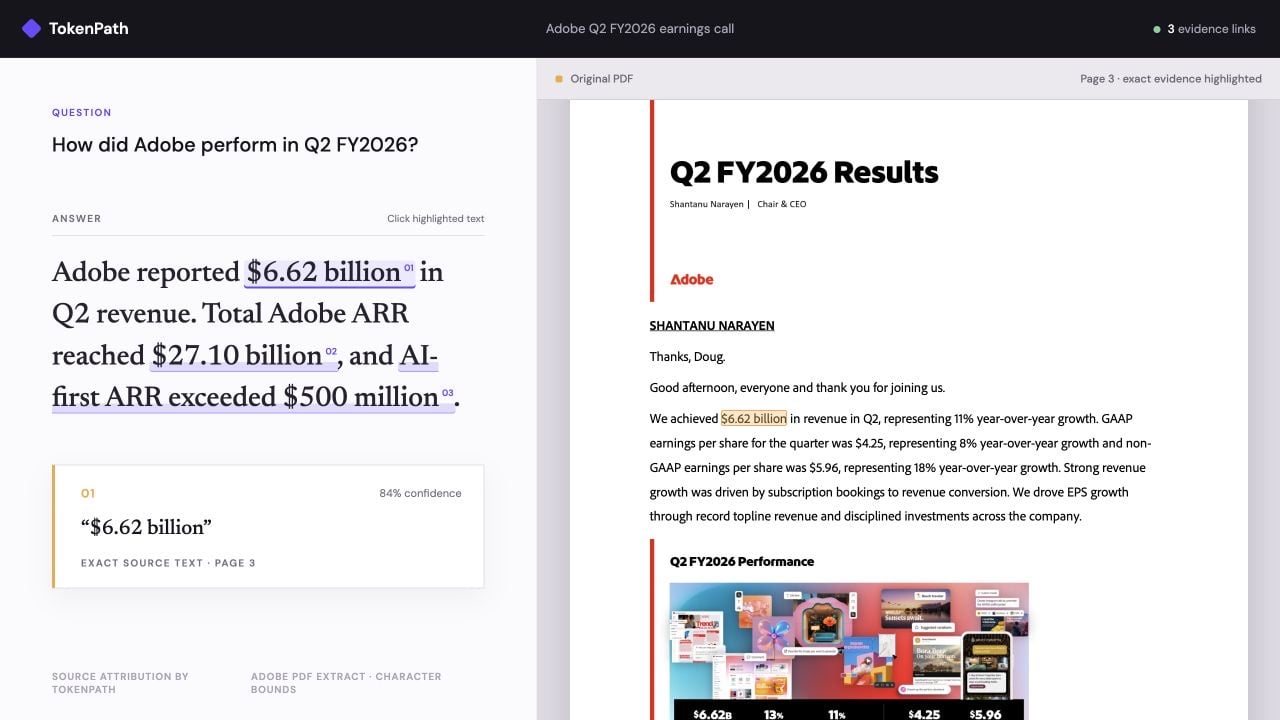
The $6.62 billion citation opens its exact supporting text on page 3.
How the mapping works
Keep two values index-aligned while you extract the PDF:document: the text or Markdown your model reads.characters: for each character indocument, its page and bounding box, orNonefor characters that are not on the page.
document, so characters[start:end] gives the boxes to highlight. The page tells your viewer where to scroll, and the boxes tell it what to draw.
1. Extract the PDF with coordinates
The cookbook uses Adobe PDF Extract withgetCharBounds: true. Its pdfmd converter builds Markdown and the character map together:
characters[i] is the location of document[i], or None for Markdown syntax and whitespace that the converter inserted. Each location has a zero-based page index and a bounding box in PDF points.
Adobe’s PDF-to-Markdown operation does not return character coordinates. Use PDF Extract with
getCharBounds: true, then build the Markdown and its character map in the same pass. The cookbook includes the complete converter.document for both generation and attribution. If you clean up or rewrite the extracted text, update characters in the same step.
2. Generate an answer
Givedocument to any model as its source. Keep the exact answer string you display.
3. Attribute the answer
utf-32 matters here. Extracted PDFs often contain math symbols outside the Basic Multilingual Plane, and those would shift every highlight under the default utf-16. See Offsets and encoding.
Check that each range slices the text you expect:
4. Turn source ranges into PDF boxes
- Mark the answer range as selected.
- Scroll the PDF pane to the first box.
- Draw every box over the rendered page.
- Show the source
textandconfidencenext to the answer.
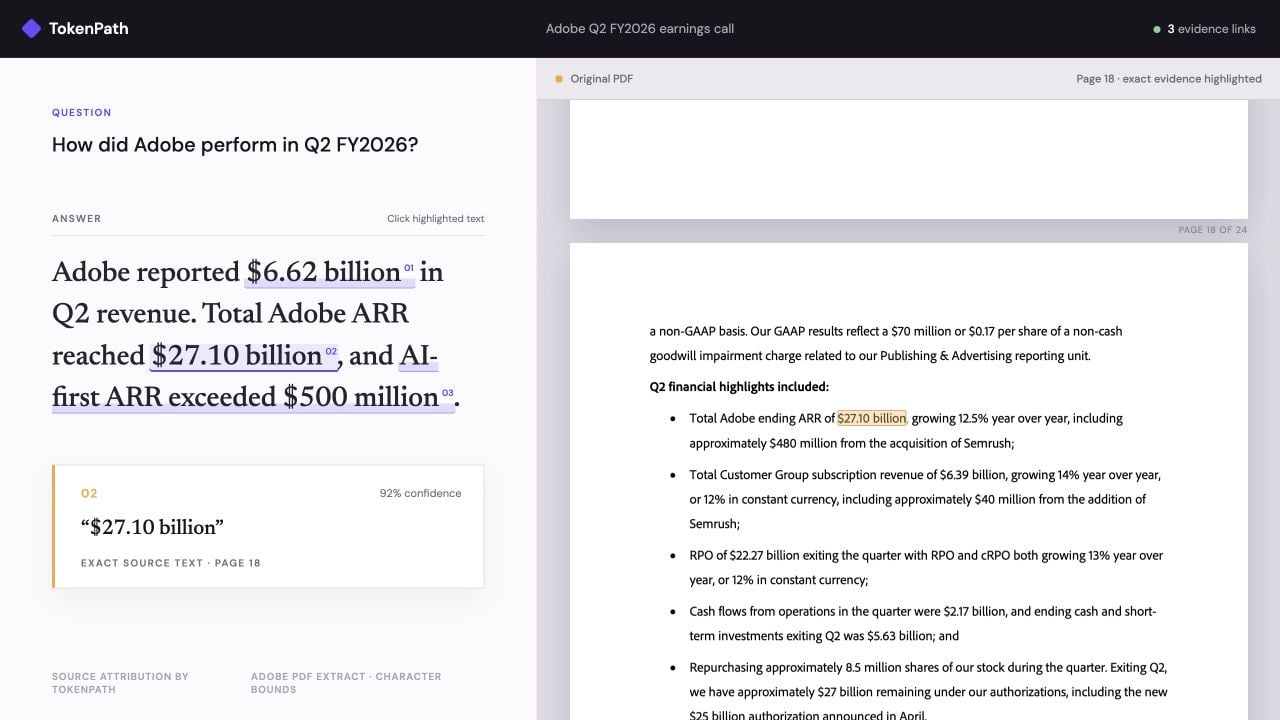
The Total ARR citation jumps from the same answer to its exact source on page 18.
Run the demo
The cookbook downloads Adobe’s public 24-page Q2 FY2026 earnings PDF and checks it against the bundled Adobe Extract character map. It then makes a live TokenPath request and serves the interactive viewer shown above.Use your own PDF
Create an Adobe PDF Services OAuth Server-to-Server credential. Then put its client ID and secret in.env:
run.py writes output/report/bundle.json. Generate an answer from the bundle’s markdown, then attribute that exact answer:
http://localhost:8000/attribution-viewer/?doc=report to inspect the result.
Practical notes
- Store the extracted text and its character map together. Never regenerate one without the other.
- With retrieval, attribute the PDF sections the model actually read, not the whole file.
- For scanned PDFs, use OCR that returns word or character coordinates.
- Keep quadrilaterals instead of boxes if your PDFs contain rotated text.
- An empty
attributionslist means there is nothing to link. Render the answer without citations. It is not an error. - Use
confidenceto rank or style links. It describes how strong the link is, not whether the answer is correct.